
What Is 3D Product and Industrial Rendering? A Guide for Canadian Home Builders
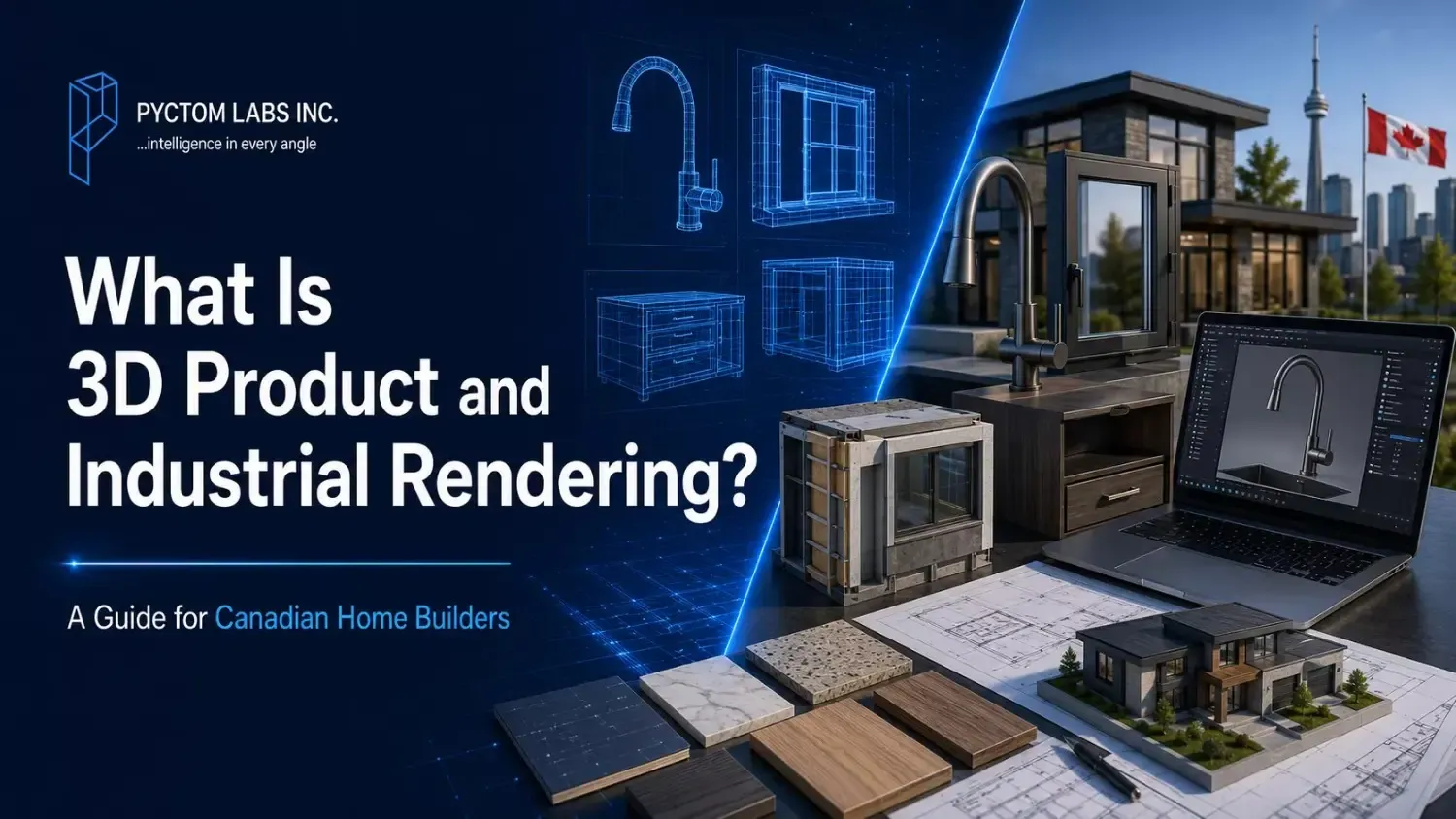
Table of Contents
Buyers want to see exactly what their future home will look like before they commit, but blueprints and material samples rarely tell the full story. 3D product rendering helps you showcase homes, finishes, and materials with realistic visuals before construction begins.
In this guide, we’ll explain what 3D product rendering is, how it works, and how it helps Canadian home builders market their projects.
How 3D Product Rendering Works
3D product rendering is the process of creating lifelike product images without the use of a camera. Digital artists create a detailed 3D model in computer software based on your technical drawings or design specifications. They then add digital textures, colors and lighting, and the software analyses these elements to create a finished product that is very much like a real photograph.
Everything from a kitchen faucet to a window unit to a full-size shelving unit, everything is created in the digital format. It gives you complete control of every aspect and finalisation before production even begins.
A Powerful Tool for Sales and Design
3D product rendering is a highly practical tool for both design meetings and sales conversions. It lets buyers compare different finishes side by side and see exactly how an item will look inside their own home, which removes the guesswork from the selection process. Instead of describing a finish, you can show it with absolute clarity.
A single digital model can also display every color and material option you offer. Swapping a cabinet color or countertop material takes just a few minutes on screen, with no costly photo reshoot. For Canadian builders managing multiple material choices, that keeps your options flexible and easy to update.
3D Rendering vs. Traditional Product Photography
Traditional photography served builders well for years, but it has real limits. A shoot requires a finished product, a studio, and perfect lighting, and every new color or finish means paying for a brand-new shoot. Because 3D rendering uses a digital model instead of a camera, you can preview finishes before the product exists, adjust them on screen, and keep every image perfectly consistent across your catalog.
| Feature | Traditional Methods (Photography & Physical Samples) | Modern 3D Product Rendering |
| Logistics | Shipping heavy tiles, fixtures, and finishes to physical showrooms. | One master digital asset, accessible from anywhere instantly. |
| Weather & Seasonality | Harsh Canadian winters delay site visits, shipments, and outdoor shoots. | Visuals are generated digitally, completely immune to weather delays. |
| Speed to Market | Updating a catalog requires new physical prototypes and studio reshoots. | New colors and alternative finishes are updated on screen in hours. |
| Technical Clarity | Limited to what a camera lens can physically see from the outside. | Shows internal mechanisms, exploded views, and cutaways of complex systems. |
Signs of a High-Quality Render
A premium render depends on fine details to look truly believable. High-quality visuals always include:
- Accurate textures: Clear wood grain, brushed metal, and the natural patterns of stone.
- True-to-life colors: Exact color matching across your entire product line.
- Realistic lighting: Natural reflections and soft, believable shadows.
- Fine details: Visible handles, joints, screws, and structural seams.
Types of 3D Product and Industrial Rendering
Different sales and design situations call for different visual styles. Canadian home builders typically use a mix of render types across a single project to meet various buyer and technical needs.
| Render Type | What It Shows | Best Used For |
|---|---|---|
| White-Background | A single fixture or material isolated on a plain backdrop. | Spec sheets, product catalogs, and online listings. |
| Lifestyle (In-Context) | A product placed inside a fully styled room (e.g., a faucet in a kitchen). | Building emotional appeal on websites and social media. |
| Material & Finish | High-detail close-ups of flooring, countertops, and cabinetry. | Design selection meetings where buyers compare options. |
| Interactive Configurators | 3D models buyers can rotate and customize live on screen. | Online sales centers and interactive website tools. |
| Industrial & Technical | Exploded or cutaway views of windows, panels, or HVAC units. | Explaining complex building systems without dense engineering plans. |
| Modular & Prefab | Complete, full-scale visualizations of factory-built home modules. | Marketing off-site and modular housing solutions. |
| 360° Spins & Animation | Short turntable spins or motion clips of a specific product. | Adding movement and polish to websites and digital ads. |
Choosing the Right Tool for the Job
You do not need all rendering types at once. Use formats that solve the most frequently asked questions by your customers: white background renders are ideal for standard product catalogues, while lifestyle renders are the best for creating an emotional connection and making buyers fall in love with premium products.
High quality, targeted images always outperform a large number of generic images. An experienced digital studio like Pyctom can ensure you get the exact assets you need to move sales forward.
Who Can Use 3D Product Rendering?
3D product rendering is no longer limited to large firms with massive marketing budgets. Builders and developers of all sizes can use it to streamline workflows, cut physical costs, and close sales faster:
- Custom Home Builders: Showcase unique, high-end finishes before ordering rare or expensive materials.
- Production Builders: Create a single digital master model and reuse it across hundreds of identical units, lowering the cost per use.
- Renovation Companies: Display realistic “before-and-after” transformations without lifting a hammer.
- Modular & Prefab Manufacturers: Sell entire factory-built homes using digital visuals alone, long before delivery.
- Condo Developers: Market pre-construction units on listings and social feeds to secure early deposits.
The benefits extend beyond the primary builder. Interior designers use these visuals to get faster client approvals, kitchen and bath dealers showcase their full range without physically stocking every finish, and building product suppliers create clean, consistent catalog images for an entire product line.
If your business handles building, design, and product supply under one roof, a single 3D model can serve all of these roles at once. The technology scales easily from a single item to several thousand products. You can start small, test rendering on one upcoming project, measure your sales results, and expand your digital library.
How Canadian Home Builders Put It to Work
Beyond the use cases above, 3D rendering supports nearly every stage of the homebuilding process. The key touchpoints where it pays off:
- Pre-Construction Marketing: Showcase homes through websites, online listings, brochures, and social media before the project is complete.
- Design Selection Meetings: Help buyers compare finishes and upgrades with confidence, reducing costly change orders later.
- Supplier Catalogs: Present materials, fixtures, and products with realistic visuals.
- Virtual Experiences: Combine walkthroughs, floor plan renderings, and virtual staging so buyers can picture themselves in the space.
- Sales Presentations: Strengthen trade show displays and presentation centres with engaging visual content your sales team can use to answer buyer questions.
Turn Blueprints into Sales with Pyctom
How Canadians buy houses has changed. You don’t have to wait until it’s ready before you put it on the market. Pyctom enables you to impress high-end buyers with your finished, sleek and custom features before the ground is even broken.
With our custom rendering solutions, you can save time, avoid unexpected construction costs and keep your sales momentum throughout the year. When you work with Pyctom on your next project, you can create a stress-free visual system that will convert any web browser into a loyal customer.
Quick FAQs
What is the difference between 3D product rendering and architectural rendering?
Architectural rendering is used to render an entire building or full space, whereas 3D product rendering is used for individual products and finishes like faucets, cabinets, windows, materials, etc. Both are usually used together by builders in the marketing process. One for the home, and one for the home’s contents.
How much does 3D product rendering cost in Canada?
The complexity, level of detail, and number of items to be rendered will determine the cost. A simple white background render is less expensive than a detailed animation or an interactive configurator. Once studios understand the scope of a project, they will offer a customized quote, so it is a good idea to request a quote for your specific needs.
Is 3D rendering really better than product photography?
In most product applications, rendering is a better option, as it eliminates the need for studios, shipping, and expensive reshoots, and changes can be made instantaneously on screen, rather than requiring a new shoot. Photography is still a good medium for real spaces and real people, and works best when used in conjunction with rendering, not as a replacement.
How long does it take to create a 3D product render?
The timeline will depend on the size of the project and the level of detail required. Simple products can sometimes be rendered in a couple of days, while more complex products or full animations may take longer. Providing clear references and specifications beforehand will make the process much quicker, and most rendering projects still finish before a similar traditional photo shoot.
Do I need to provide my own 3D models or CAD files?
CAD files and detailed specifications speed up the process but are not required. A studio can create a model from scratch using 3D modeling services or build a model based on drawings, photos, or real samples you provide. The studio handles the technical modeling work, so all you need to provide is sufficient reference material for the team to work from.
Disclaimer: The information provided in this blog is for general informational purposes only. For professional assistance and advice, please contact experts.