Share drawings or sketches
Upload your ideas and reference files to help us understand your vision.


Send us your sketches, PDFs, CAD files, Revit, or SketchUp
models and we’ll map the best visualization approach for
your project.
We help you see the space before building. You get
clearer decisions, smoother approvals, and stronger marketing.




















A flat drawing can explain dimensions. A strong BIM model helps your team understand how the building works as a complete system. It brings geometry, information, coordination, and visual clarity into one model so decisions are easier to make before construction begins.
BIM gives your project a structured model that can support design reviews, coordination meetings, visual presentations, documentation support, and future updates.

One of the strongest advantages of BIM is that it helps different disciplines see how their work connects.
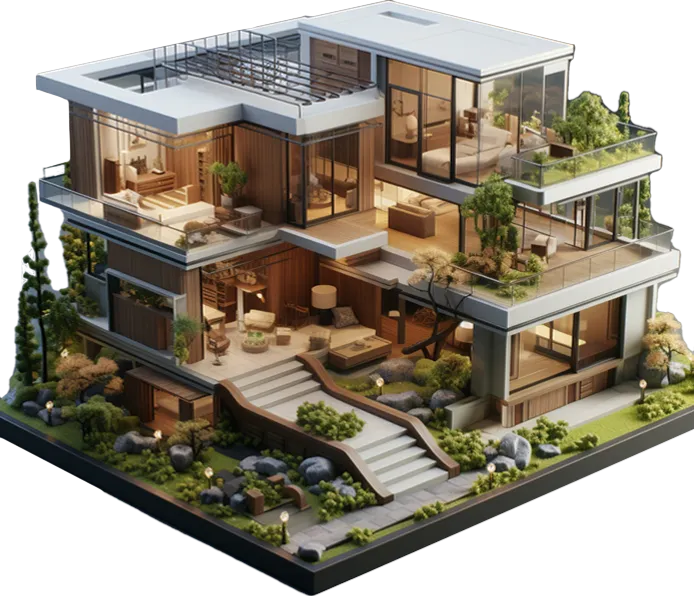
BIM can support early clash review and visual coordination. This helps reduce decisions, and avoidable coordination problems during later project stages.
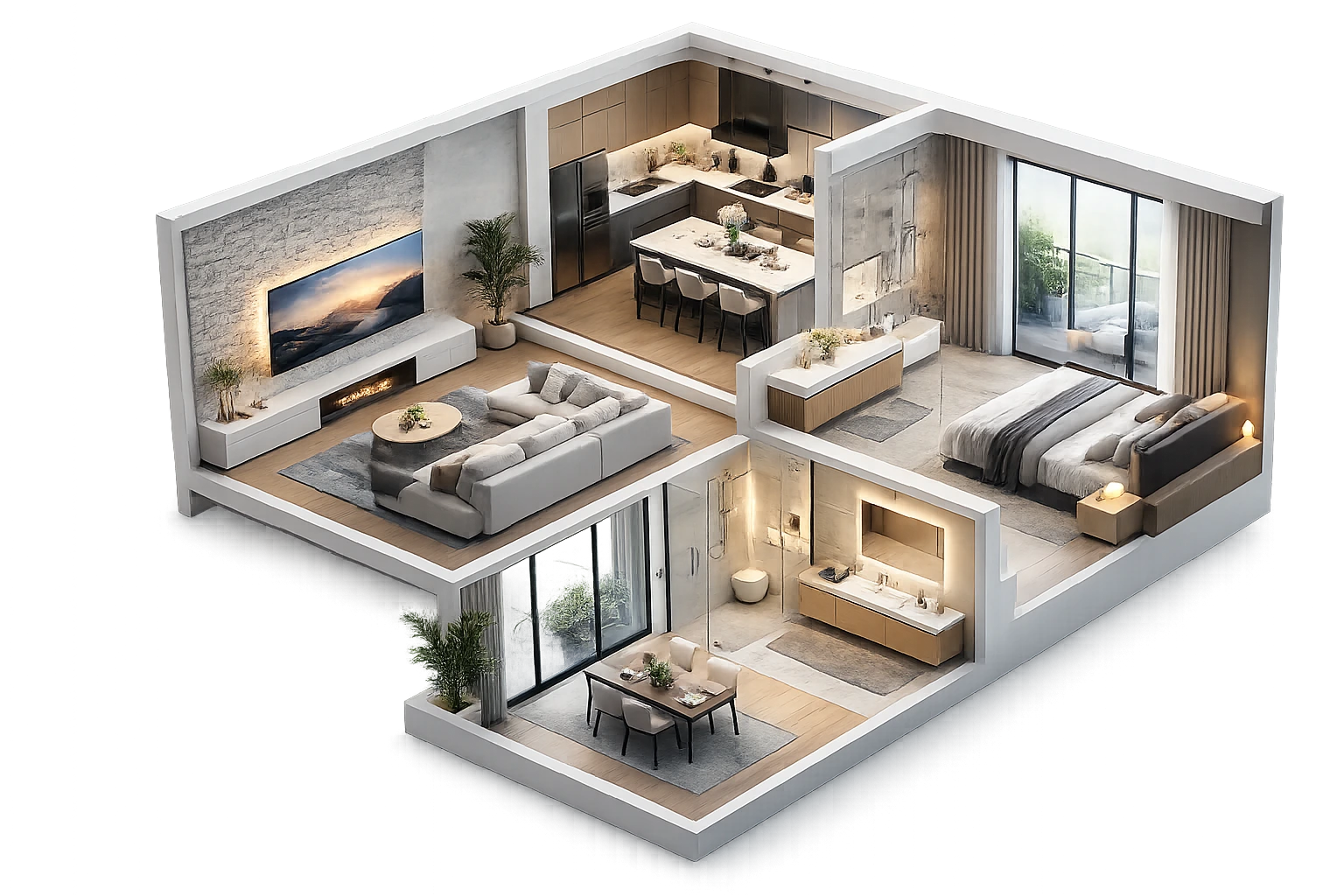
BIM helps clients and project teams understand scale, proportion, levels, ceiling heights, openings, circulation, room relationships, and technical zones more clearly than 2D drawings alone.

A well-organized model can support quantity review, area studies, schedule discussions, and early project analysis. The level of information depends on the project scope and the model requirements.
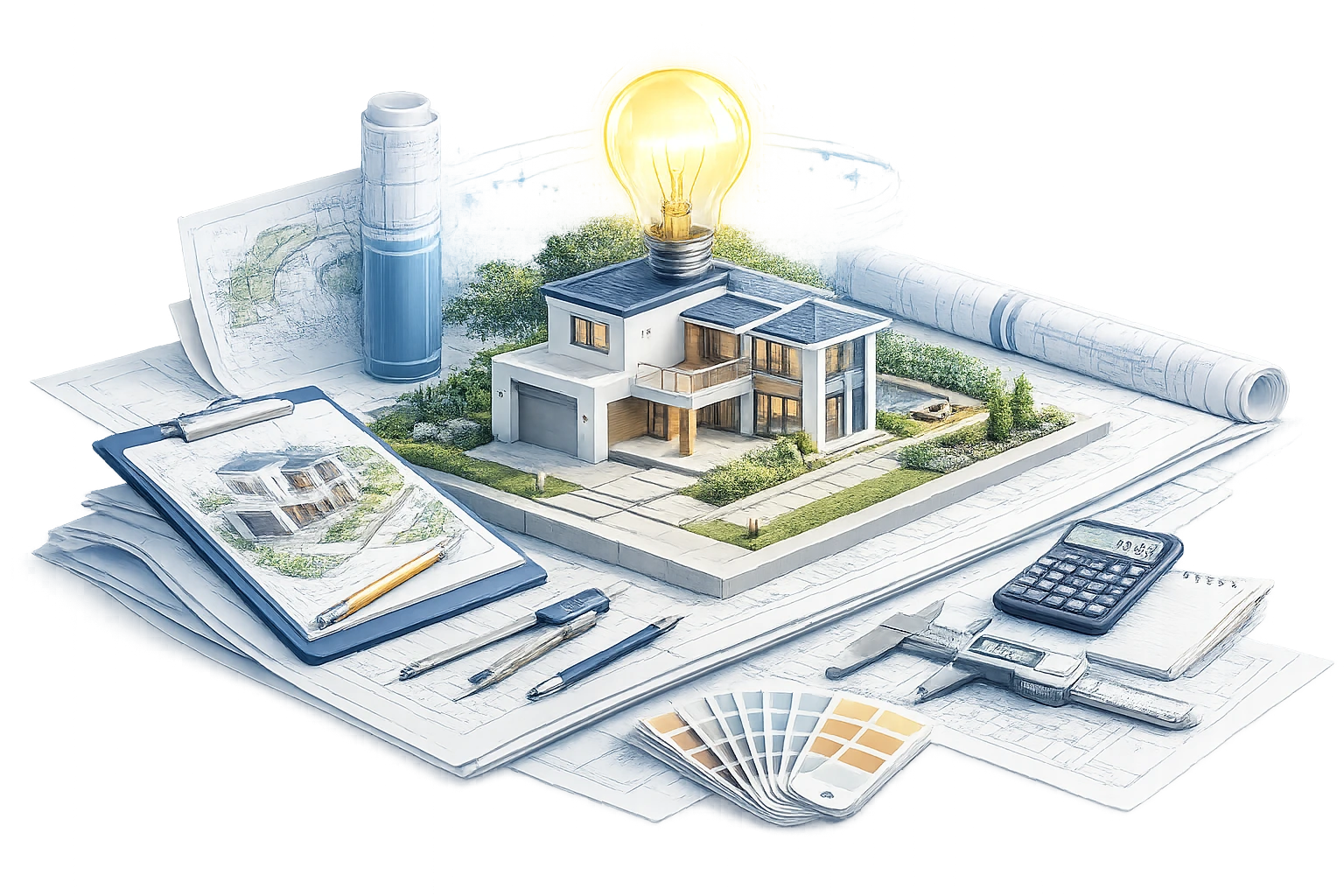
BIM brings geometry and project information into a more controlled digital structure. When the model is clean, organized, and built with clear naming, views, and families, it becomes easier to update.
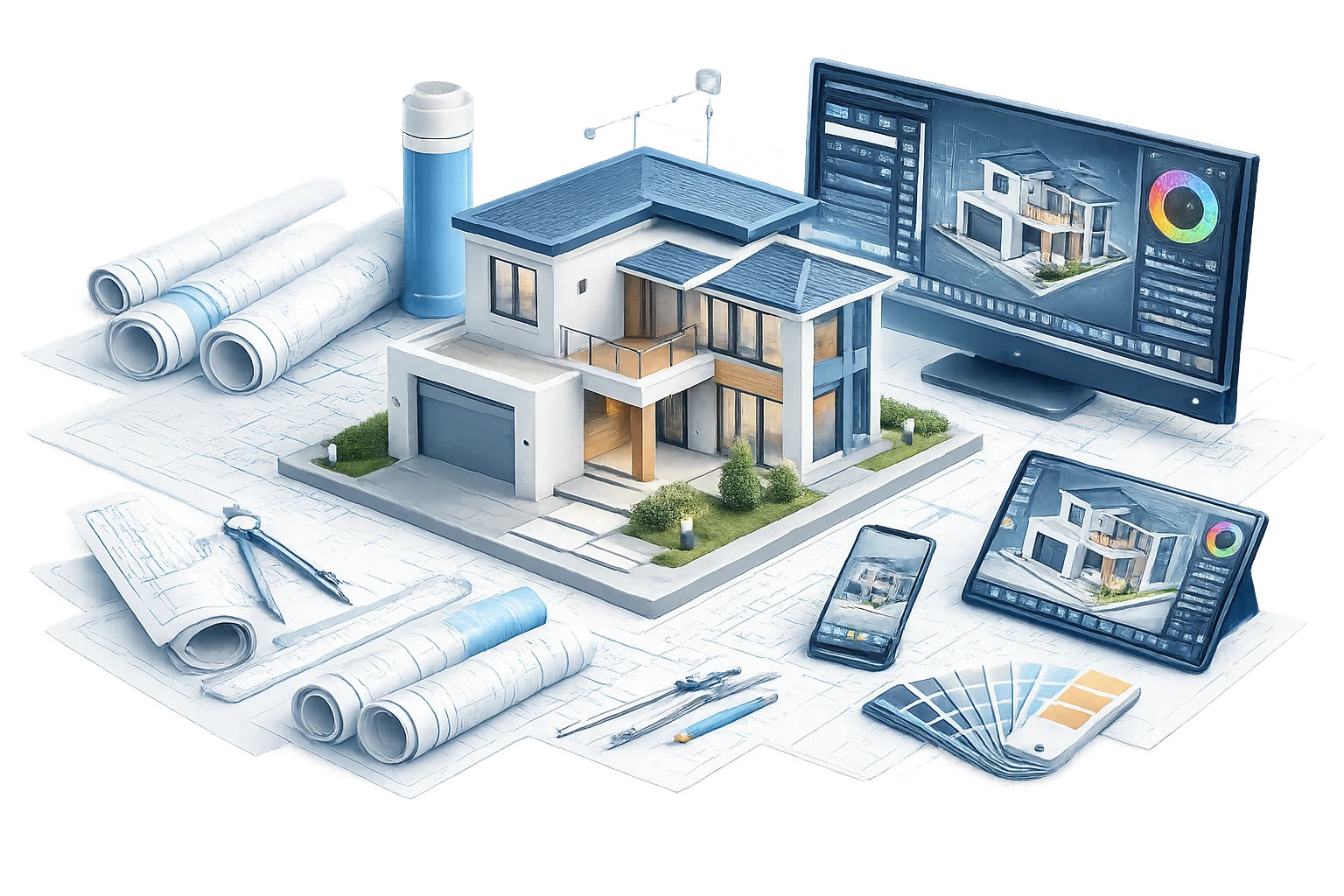
At Pyctom, our process is built to keep the model clean, accurate, and useful for coordination, planning, visualization, and presentation. We approach BIM with the eye of a designer and the discipline of a production team.
We start by reviewing your goals, available files, project stage, and intended use of the model. You can share Revit files, AutoCAD drawings, PDFs, SketchUp files, point clouds, floor plans, elevations, sections, site plans, or reference images. At this stage, we clarify what the model needs to do: support visualization, coordination, as-built documentation, design review, planning, quantity discussion, or presentation.
Before modelling begins, we define the expected level of detail and the parts of the project that need the most attention. A concept model, coordination model, as-built model, and visualization-ready model do not all require the same level of development. This step helps prevent over-modelling, missing information, and unclear expectations. It also gives your team a better understanding of timeline, cost, and deliverables.
We organize the model structure, levels, grids, views, categories, links, reference files, and project information so the model is easier to work with. For multidisciplinary projects, we map how architectural, structural, and MEP information will be handled so the model stays clear and useful throughout the process.
Once the structure is set, we build or refine the model. This may include walls, slabs, roofs, openings, stairs, ceilings, rooms, structural components, equipment, duct routes, pipe routes, lighting zones, furniture, millwork, exterior elements, or site context. The goal is not to fill the model with unnecessary detail. The goal is to represent the right information at the right level so the model supports decisions.
We review the model for clarity, scale, alignment, missing information, and possible coordination concerns. When needed, we prepare issue views, section cuts, annotated screenshots, and presentation visuals to help your team understand what needs attention. This step is especially useful when the model needs to communicate with non-technical stakeholders as well as project professionals.
After your feedback, we refine the model and check the key elements again. This may include geometry adjustments, family cleanup, material updates, view organization, coordination notes, or model optimization. Our quality review focuses on practical usability: the model should be clean, readable, structured, and aligned with the purpose of the project.
Once approved, we deliver the model and agreed outputs in the required format. Depending on the scope, this may include Revit files, exported views, CAD outputs, PDFs, screenshots, rendered visuals, coordination views, or presentation-ready assets. We can also prepare model-based visuals for client meetings, sales presentations, development pitches, design reviews, and marketing use.
At Pyctom Labs, we do more than create attractive visuals. We build residential renderings that help architects, builders, developers, and homeowners explain ideas clearly, refine designs faster, and present projects with confidence.

We specialize in home-focused visualization, which means every render is built to highlight the details that matter most in residential projects, from façade character and curb appeal to interior atmosphere and material balance.

Our renderings make it easier for clients, stakeholders, and teams to understand a design without needing to interpret technical drawings alone. That clarity leads to better conver- sations, faster feedback, and more confident next steps.

We focus on lighting, textures, finishes, and composition that make a project feel grounded & convincing. The result is a visual that helps people connect with the design instead of just looking at it.

Your assets are created to work beyond a single meeting. Use them across proposals, pitch decks, websites, brochures, pre-sale campaigns, investor presentations, and social content without needing to start over.

We work closely with your plans, references, and feedback to keep the final render aligned with your design intent. Every revision is handled with the goal of improving clarity, not adding confusion.

As a Canada-based company, Pyctom Labs offers responsive communication and a practical understanding of the expectations local builders, designers, and developers bring to residential presentation work.

The Tools Behind Our 3D Rendering Process

Turn Your Plans Into Photoreal Visuals Today
Don’t let your ideas stay stuck in drawings.
Whether you’re working on a custom home, renovation, or residential development, we help you visualize every detail before construction begins.
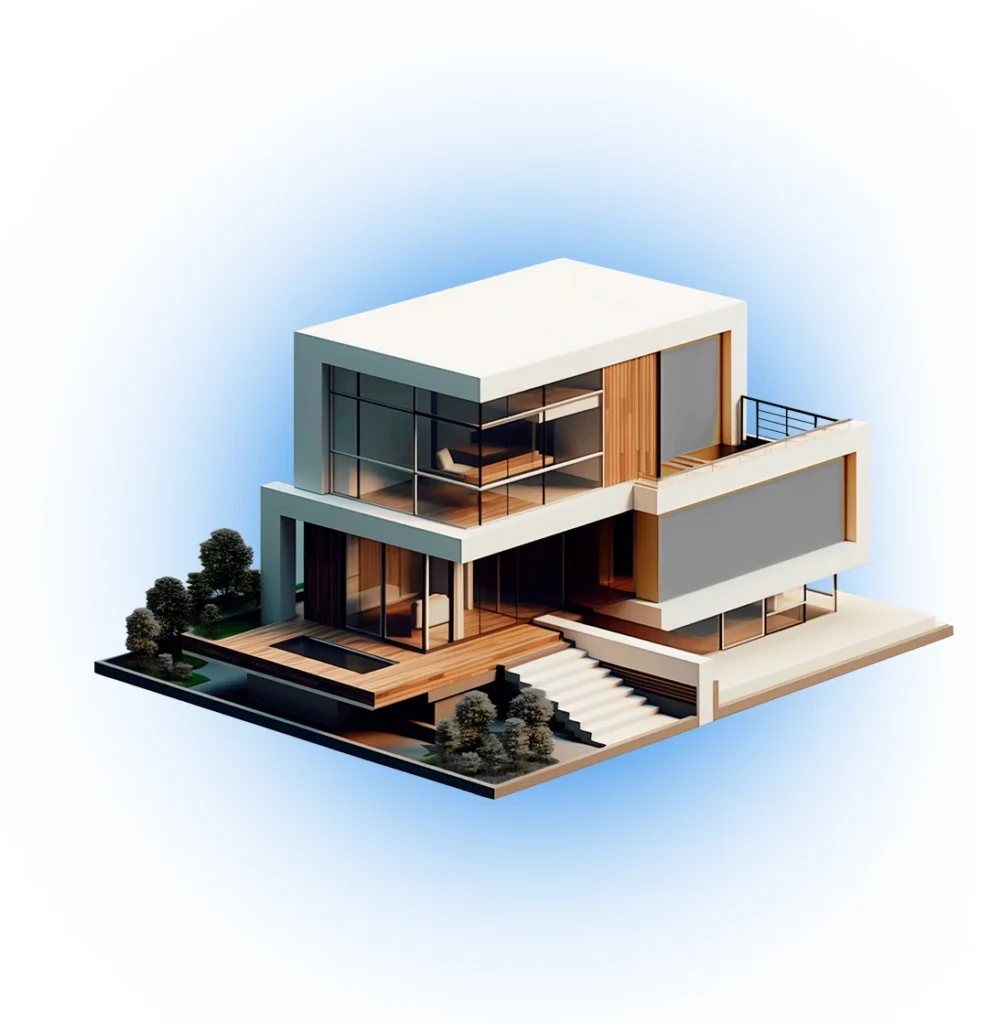
BIM services help turn building information into a structured digital model. This can include 3D modelling, Revit model setup, CAD-to-BIM conversion, as-built modelling, coordination support, visualization-ready models, and project information organization.
3D BIM modelling is the process of creating a digital building model that represents geometry, layout, levels, components, and project information. Unlike a simple 3D model, a BIM model can be organized to support design review, coordination, documentation support, and future updates.
You can send CAD files, PDFs, Revit models, SketchUp files, floor plans, elevations, sections, site plans, point clouds, reference photos, or sketches. If you are not sure what is enough, we can review what you have and guide the next step.
Yes. We can create a model from PDFs, CAD drawings, sketches, concept notes, or reference images. If dimensions, levels, or materials are unclear, we may ask for clarification before building the model.
Yes. We can review your existing Revit model and decide whether it is ready for the intended use or needs cleanup. Sometimes models need better organization, geometry fixes, material adjustments, view setup, or optimization before they can support coordination or visualization.
Yes. We can support Scan-to-BIM and as-built workflows when point-cloud data, survey information, or existing-condition references are available. This is useful for renovations, retrofits, facility upgrades, and projects where current site conditions need to be understood more clearly.
Yes. BIM can help project teams review how architecture, structure, and building systems interact. It can support clash review, model coordination, issue visuals, and clearer discussions before problems become more expensive to solve on site.
Yes. Since Pyctom also creates architectural renderings and walkthroughs, we can prepare BIM-based assets for visual use when the project requires presentation images, marketing visuals, animations, or design-review visuals.
No. Pyctom provides BIM modelling, visualization, and coordination support. Stamped drawings, permit submissions, code compliance, and engineering calculations must be reviewed and issued by the appropriate licensed professionals.
Share your project details, available files, project stage, deadline, intended use, and the type of BIM support you need. Pyctom will review the scope and suggest the best approach based on your goals, files, and budget.