Share Project Details
Tell us about your project requirements, goals, and expectations.


Turn architectural plans, product ideas, interiors, and real estate concepts into cinematic 3D animations that help people see the space, understand the design, and feel the story before anything is built.
Send us your sketches, PDFs, CAD files, Revit, or SketchUp
models and we’ll map the best visualization approach for
your project.
We help you see the space before building. You get
clearer decisions, smoother approvals, and stronger marketing.










Pyctom creates 3D animation and motion visuals for architecture, real estate, interiors, products, and branded presentations across Canada.
Bring buildings, interiors, landscapes, and design concepts to life with cinematic walkthroughs and fly-throughs.
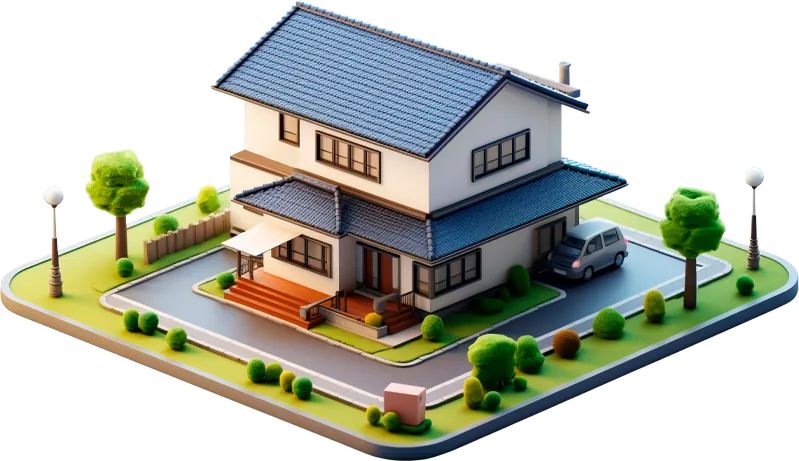
We create real estate animations that reveal the exterior, interiors, lobby, amenities, suite layouts, surrounding context, and lifestyle feel of a property before it is built.
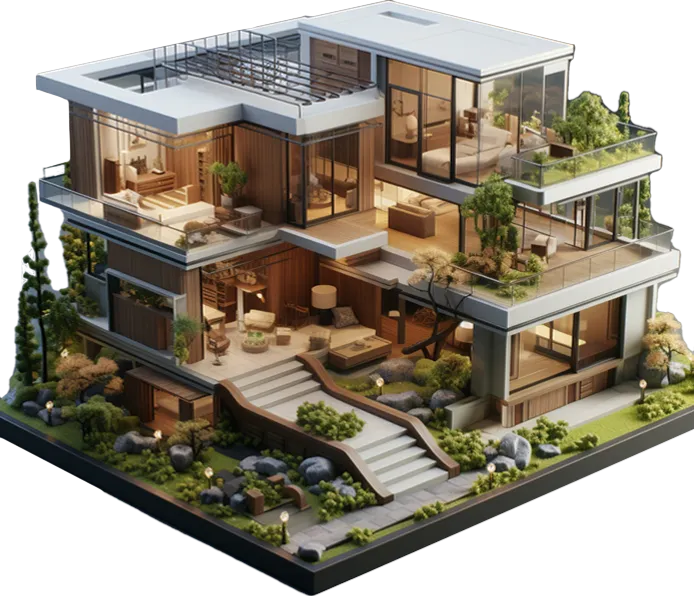
Product animation helps viewers understand the design from every important angle, including features, finishes, materials, and hidden details.
Create clean rotating product views, close-up movements, exploded views, and 360-style animations that make the product easier to explore.
Turn static information into visual movement. We create branded motion graphics, and visual explainer that support your animation and make the message easier to follow.
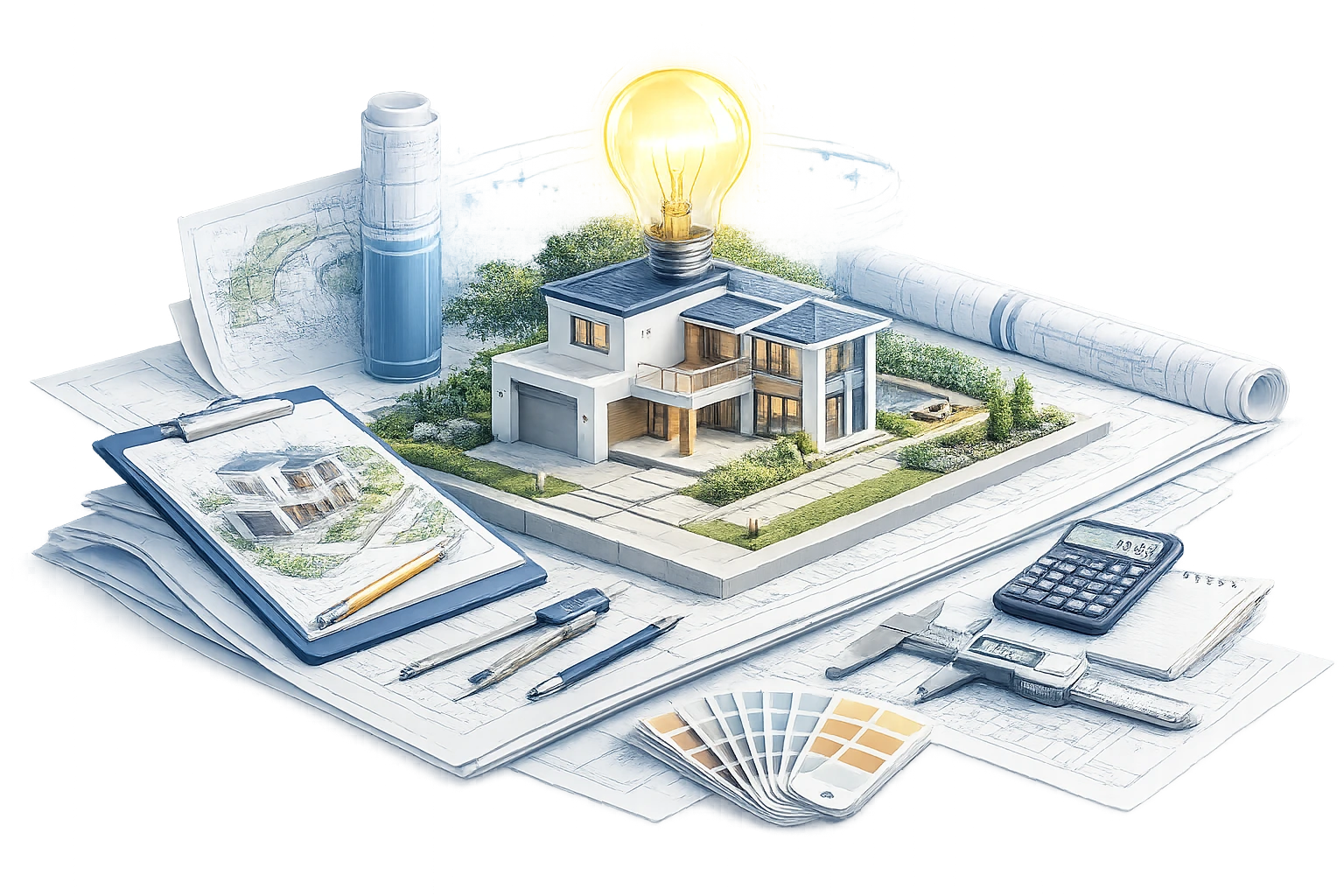
Build a complete animation video from concept to final output. We help shape the visual direction and final video format so the result feels polished and ready for use.
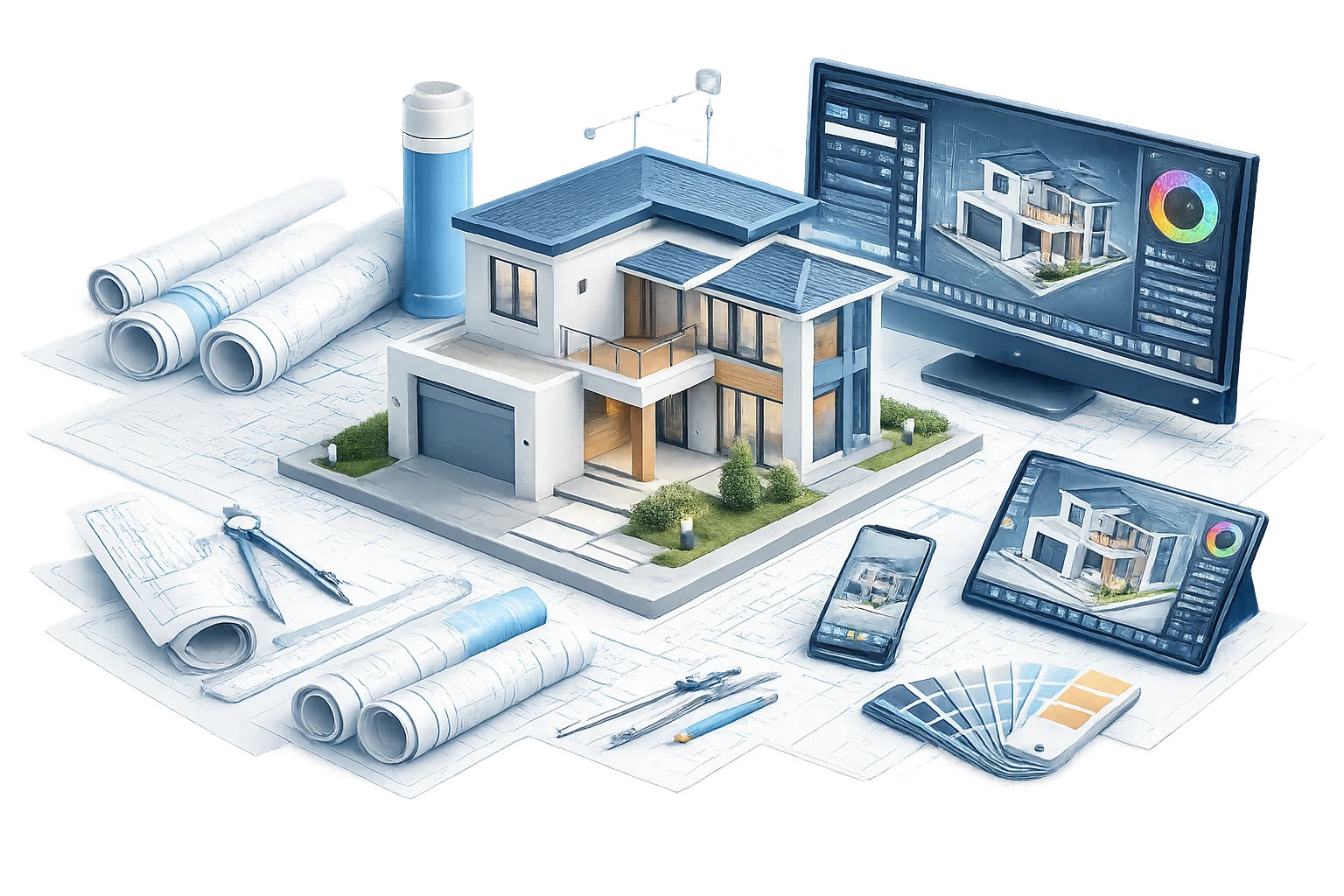
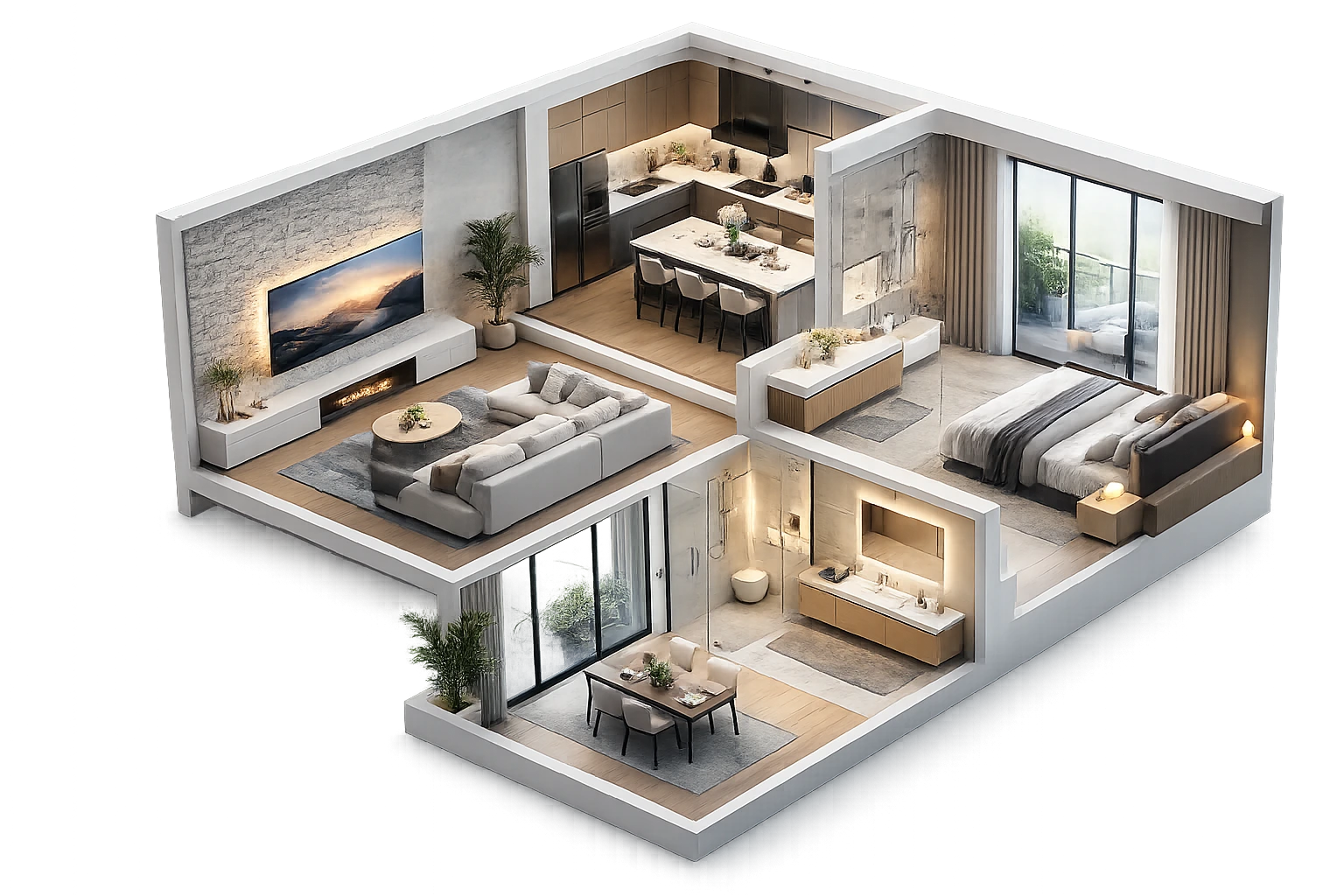
Let viewers move through a room before it exists. We create interior animations that show layout, furniture placement, lighting and the overall feeling of the space.
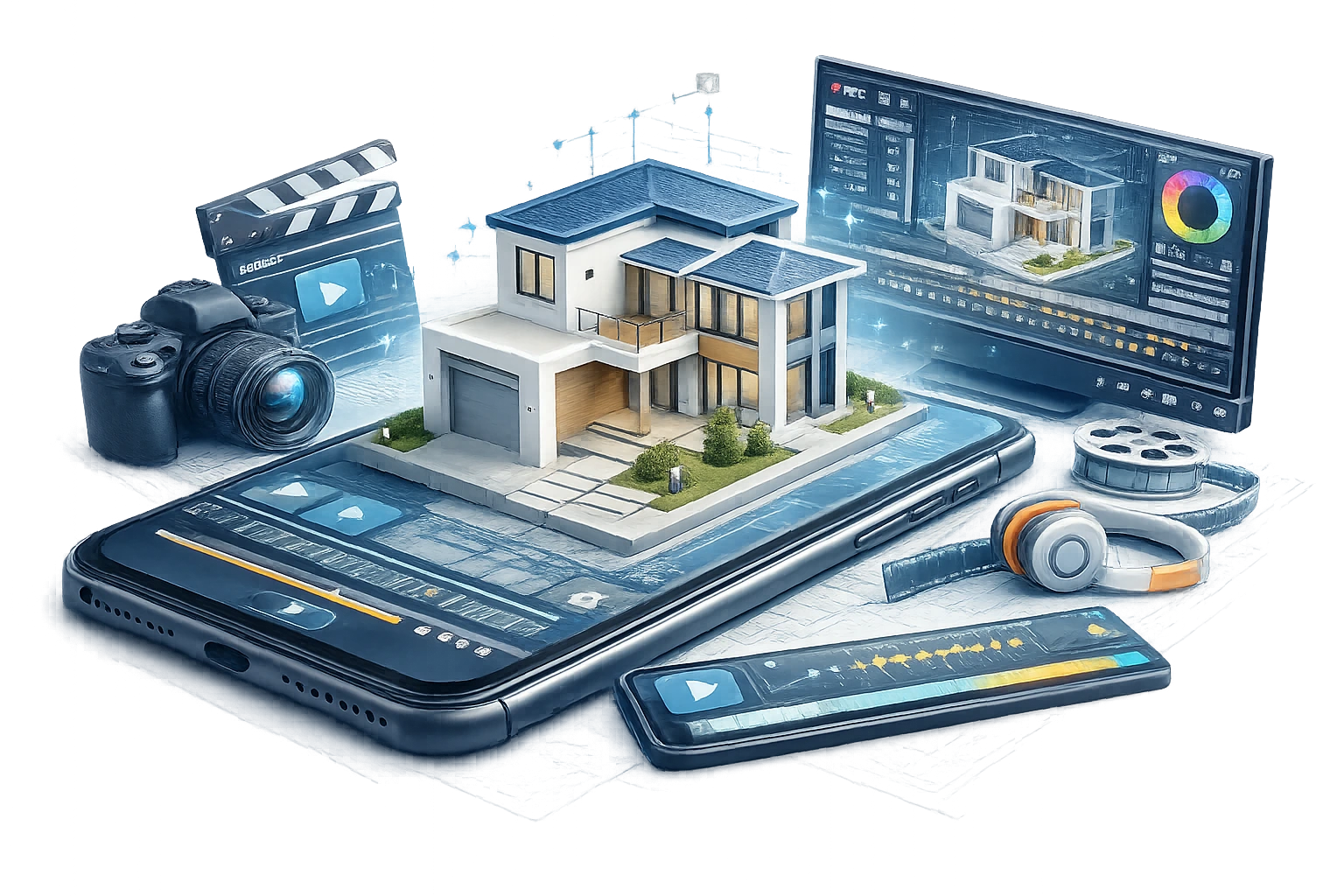
For products or furniture with multiple parts, we create animations that show how each piece connects, moves, or functions.
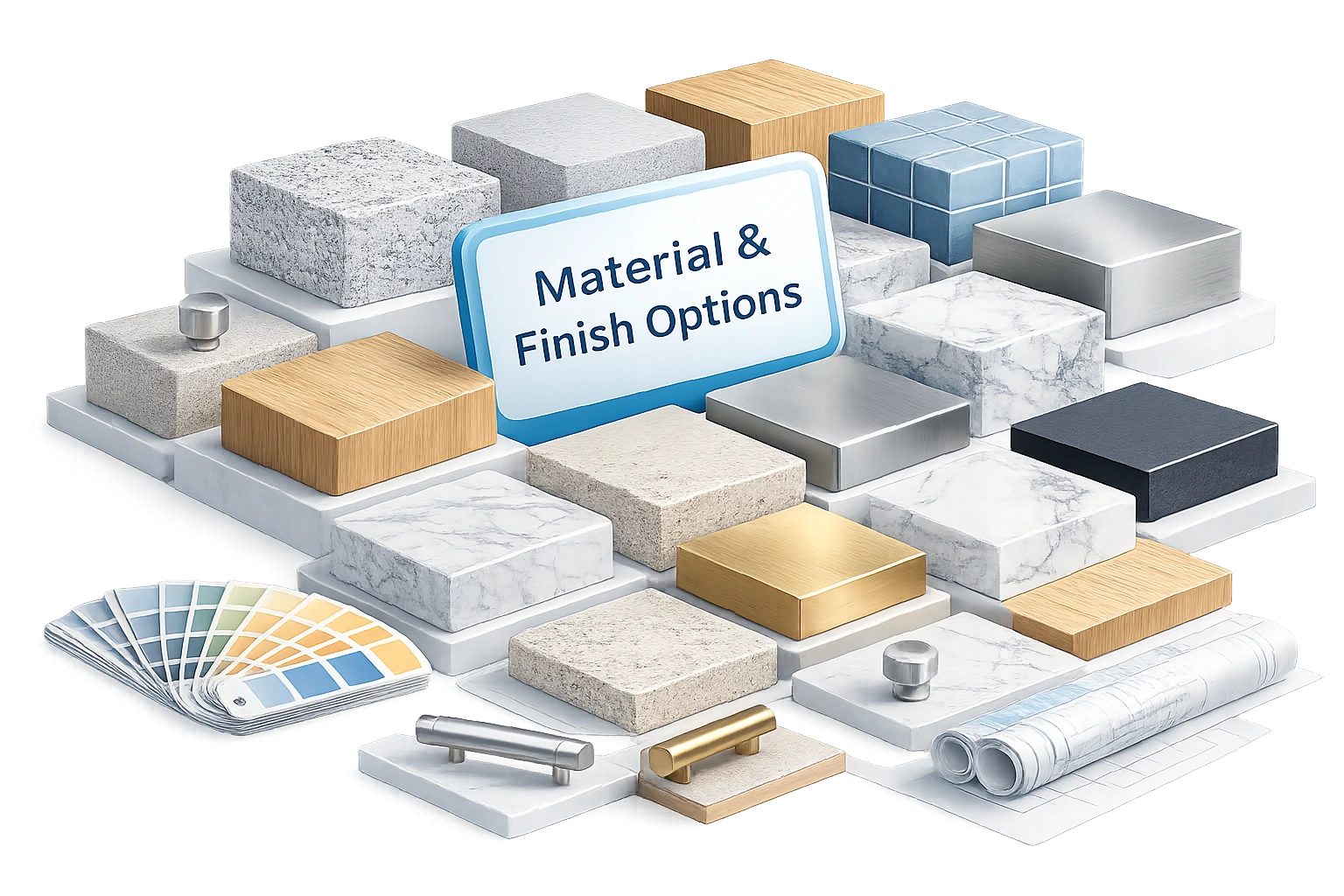
At Pyctom, we follow a clear workflow so the animation feels accurate, cinematic, and easy to approve at every stage.
We begin by reviewing the full project scope and collecting the files needed to understand the design. This may include CAD drawings, Revit models, SketchUp files, floor plans, elevations, site plans, reference images, material schedules, branding guidelines, and any existing design notes. At this stage, we also discuss the purpose of the animation. Is it for a real estate launch, investor presentation, client approval, website hero video, social campaign, or internal design review? Once we understand the goal, we can shape the animation around the right visual direction.
Before production begins, we define the overall creative approach. This includes the mood, pace, camera style, key spaces to highlight, and the story the animation needs to tell. For an architectural project, this may mean starting with the exterior, moving through the entrance, revealing the lobby, showing amenities, and ending with a strong lifestyle or aerial view. For a product animation, it may mean showing form, material, movement, assembly, and detail in a clean sequence. This step helps make sure the animation has purpose, not just movement.
Once the direction is clear, we plan the storyboard and camera flow. This is where the animation starts to take shape. We map out the key scenes, viewing angles, transitions, timing, and movement through the space or around the product. The goal is to make sure the viewer is guided naturally, with each shot adding something useful to the story. This stage helps avoid confusion later because the main sequence is planned before full rendering begins.
After the storyboard is approved, we prepare the 3D scene. This may include cleaning models, improving geometry, setting scale, adding furniture, refining architecture, building surroundings, applying materials, and setting the correct lighting. For architectural animation, this step is especially important. The space must feel believable. Materials should respond correctly to light. Camera movement should respect scale. Interior flow should make sense. Exterior context should support the project, not distract from it.
Before moving into final rendering, we share a draft animation preview. This is usually a low-resolution or simplified version that shows the camera movement, shot sequence, pacing, and overall direction.
This is the best stage to review:
Making changes here is faster and more efficient than making them after the final render.
Once the camera flow is approved, we create selected style frames to show how the final animation will look with materials, lighting, mood, and visual treatment. These frames help you review the design quality before the full animation is rendered. You can check finishes, colours, textures, furniture, atmosphere, and overall visual tone. This is also a useful stage for creating still images for presentations, marketing, or early approvals.
After the draft and style frames are approved, we move into final rendering. This is where the complete animation is processed in high quality with the approved lighting, materials, camera paths, and scene details. More complex scenes may require additional rendering time, especially when they include reflective surfaces, glass, landscaping, moving elements, detailed interiors, or advanced lighting effects. We review these details earlier in the process so expectations stay clear before final production begins.
In the final stage, we polish the animation through post-production. This may include colour correction, transitions, motion graphics, labels, callouts, logo placement, music, sound effects, and final editing. We then deliver the animation in the right format for your use, whether it is for a website, sales presentation, social media, trade show screen, real estate launch, or investor pitch. The result is a clean, cinematic 3D animation that helps your audience understand the project faster and remember it longer.
At Pyctom Labs, we do more than create attractive visuals. We build residential renderings that help architects, builders, developers, and homeowners explain ideas clearly, refine designs faster, and present projects with confidence.

We specialize in home-focused visualization, which means every render is built to highlight the details that matter most in residential projects, from façade character and curb appeal to interior atmosphere and material balance.

Our renderings make it easier for clients, stakeholders, and teams to understand a design without needing to interpret technical drawings alone. That clarity leads to better conver- sations, faster feedback, and more confident next steps.

We focus on lighting, textures, finishes, and composition that make a project feel grounded & convincing. The result is a visual that helps people connect with the design instead of just looking at it.

Your assets are created to work beyond a single meeting. Use them across proposals, pitch decks, websites, brochures, pre-sale campaigns, investor presentations, and social content without needing to start over.

We work closely with your plans, references, and feedback to keep the final render aligned with your design intent. Every revision is handled with the goal of improving clarity, not adding confusion.

As a Canada-based company, Pyctom Labs offers responsive communication and a practical understanding of the expectations local builders, designers, and developers bring to residential presentation work.
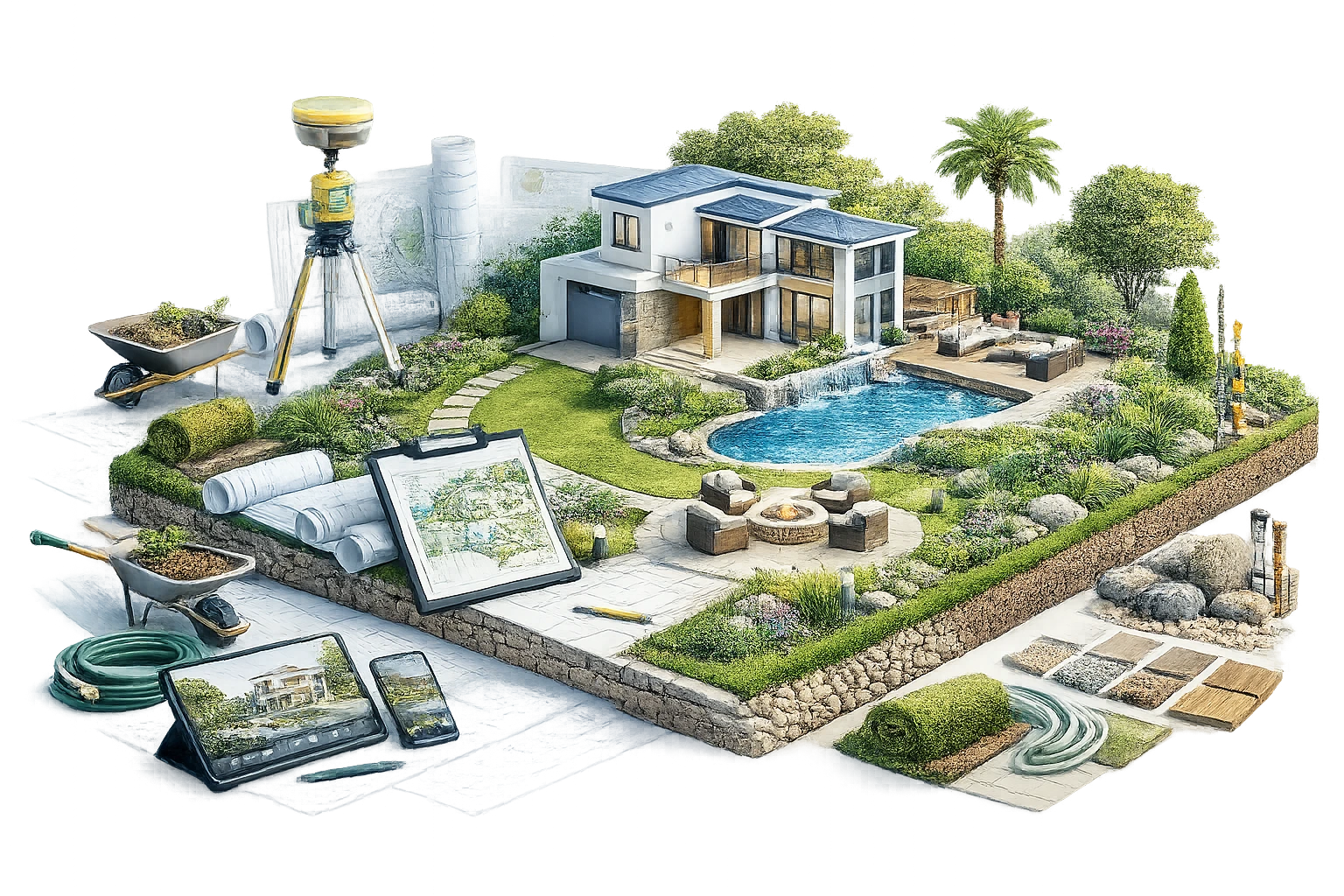
The Tools Behind Our 3D Rendering Process
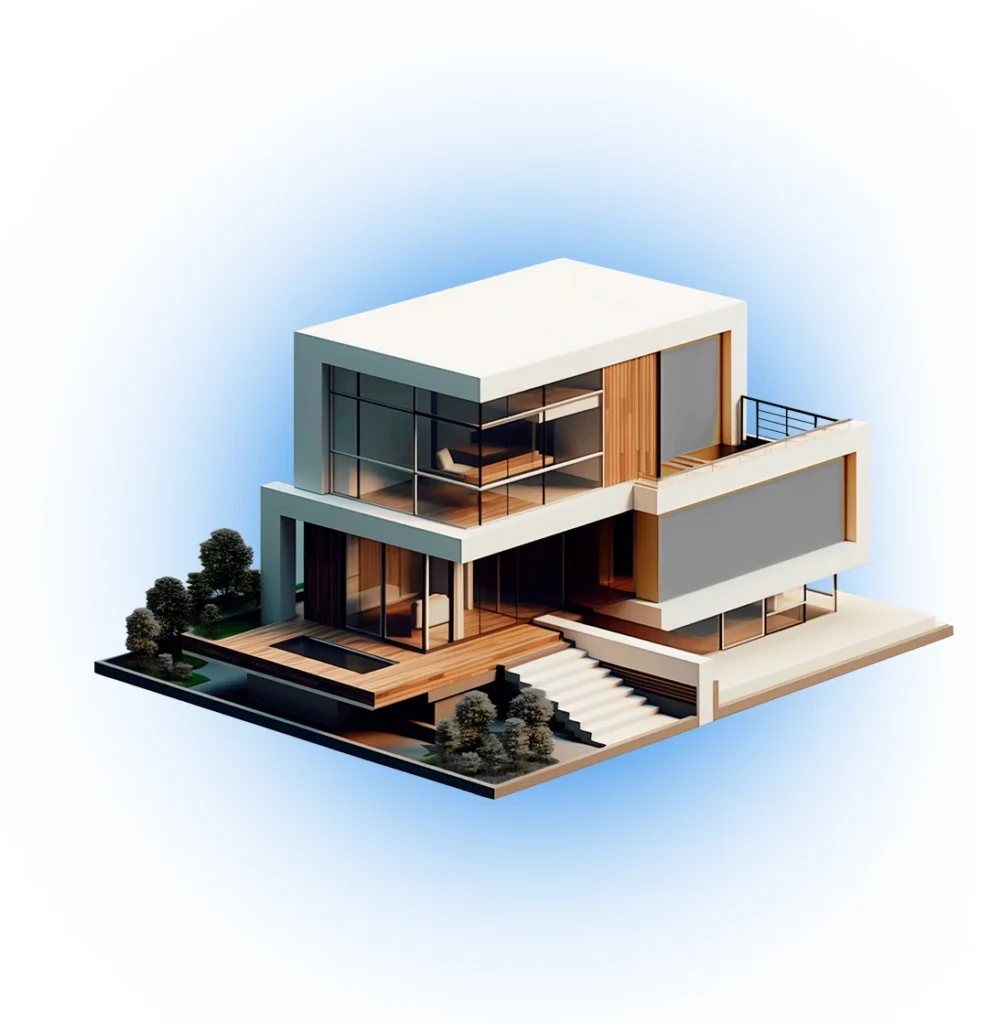
Turn Your Plans Into Photoreal Visuals Today. Don’t let your ideas stay stuck in drawings. Whether you’re working on a custom home, renovation, or residential development, we help you visualize every detail before construction begins.
We usually need drawings, plans, CAD files, Revit or SketchUp models, reference images, material details, and a clear idea of where the final video will be used. If you do not have everything ready, we can still review what you have and guide the next steps.
Yes. If your idea is still early, we can work from sketches, PDFs, mood boards, reference photos, or written notes. We may need to clarify dimensions, materials, layout, and design intent before production begins.
The timeline depends on the length of the video, level of detail, number of scenes, file quality, and revision rounds. A simple short visual may take less time, while a full walkthrough with detailed interiors, landscaping, lighting, and post-production will need a longer schedule.
Yes. That is one of the biggest advantages of this service. We can help you present a building, interior, product, or development before it is physically built, manufactured, or staged.
Yes. We help plan the camera flow, mood, lighting, pacing, key scenes, and overall presentation style. Our goal is to make the final video feel clear, polished, and useful for the audience you want to impress.
Yes. We can review your existing model and decide if it is ready for production or needs cleanup. Sometimes models need adjustments to improve scale, geometry, materials, lighting, and render quality.
Yes. We include review stages so you can check the sequence, angles, materials, lighting, and overall look before the final output is completed. Changes are much easier when they are made during the draft stages.
Yes. We can add music, transitions, logo placement, title screens, labels, callouts, captions, and branded motion elements when needed. These details help make the video easier to follow and more presentation-ready.
Share your project details, available files, preferred video length, deadline, and intended use. Pyctom will review the scope and suggest the best approach based on your design, goals, and budget.